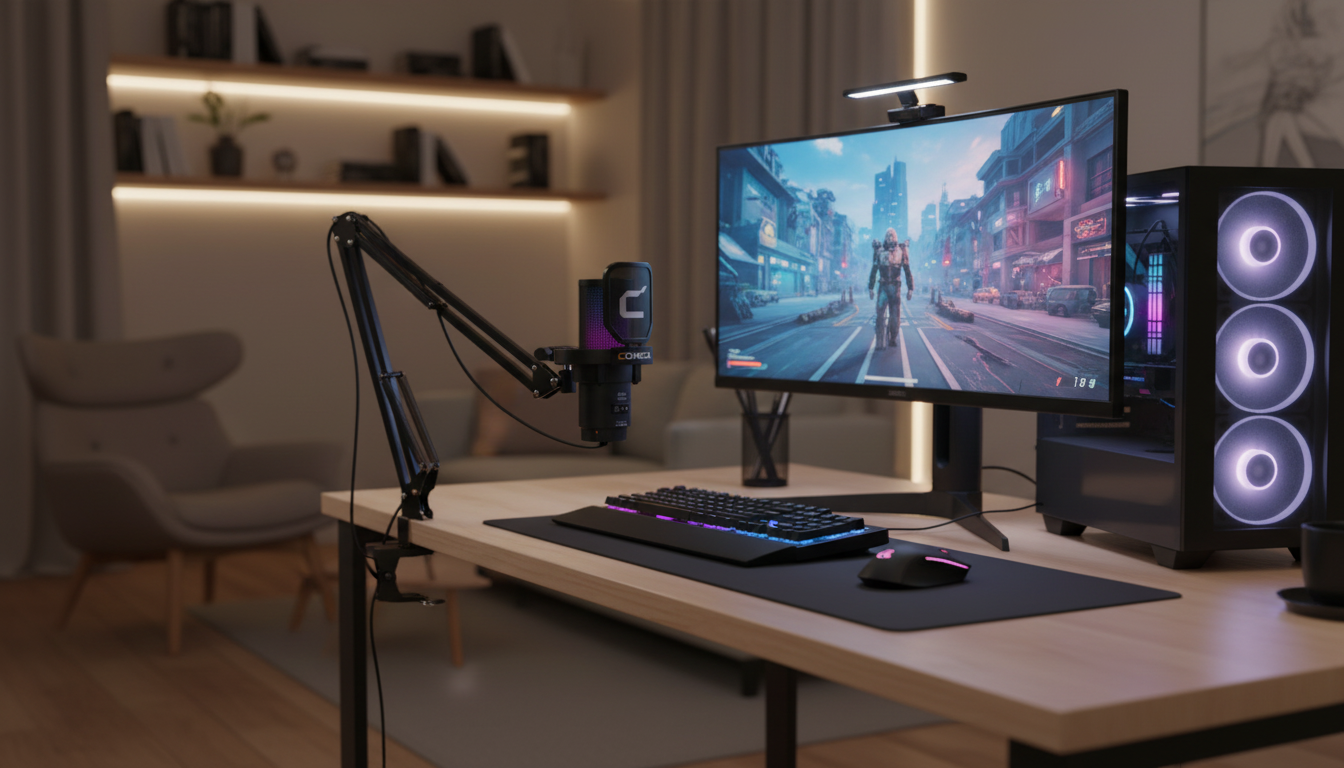
Clear voice can change the feel of a stream, a co-op session, or a late-night voice chat. A wireless RGB USB gaming microphone with noise cancellation and a boom arm is built to keep speech crisp while reducing background distractions, and to place the mic at the right distance without crowding the desk. The details that matter most are how the mic “hears” your voice, how stable the wireless connection stays, how easy the lighting is to control, and how quickly you can get consistent positioning session after session.
If the goal is “sound like you’re closer to the mic,” this category is built to deliver that without requiring an audio interface or a complicated setup.
Spec sheets are helpful, but voice quality usually comes down to a few practical behaviors: how the mic handles noise, how focused the pickup is, and how easy it is to maintain a good distance and level.
| Setup step | Why it matters | Fast tip |
|---|---|---|
| Place mic 4–8 inches from mouth | Improves signal-to-noise ratio | Move the mic closer before raising gain |
| Aim slightly to the side of the mouth | Reduces plosives and harsh bursts | Angle 20–45° off-axis |
| Lower keyboard impact noise | Less thumping transmitted through desk | Use boom arm; avoid resting mic on desk |
| Set gain for normal speaking | Prevents clipping during loud moments | Test with a loud sentence, then back off slightly |
| Control room noise | Noise reduction works best with fewer sources | Turn off a desk fan or point it away from the mic |
Wireless mics are about convenience, but day-to-day performance depends on small choices—where the receiver sits, how you manage charging, and how your apps handle input devices.
If voice chat settings act up, platform help docs can save time: Discord Voice and Video Troubleshooting and Microsoft’s Windows audio fixes are solid starting points.
A boom arm isn’t just about aesthetics—it’s one of the easiest ways to improve consistency. When the mic stays close to your mouth, you can keep gain lower, which reduces room echo and background noise pickup.
RGB can look great on camera and can tie a setup together, but the best lighting is lighting you can control quickly.
For streaming setups, OBS Studio documentation is useful for confirming your mic device selection and monitoring levels.
Not completely. Noise cancellation can reduce steady noise and some distant clicks, but loud mechanical switches close to the mic can still be picked up—move the mic closer, lower gain, and aim the mic away from the keyboard to improve results.
Yes, indirectly. A boom arm helps you keep the mic closer at a lower gain, which usually makes your voice clearer while reducing desk vibrations and room noise pickup.
Keep it about 4–8 inches away, slightly off to the side (not directly in front of your mouth), and a bit below mouth level. A pop filter or foam windscreen helps, and keeping the wireless receiver close can improve connection stability.









Leave a comment